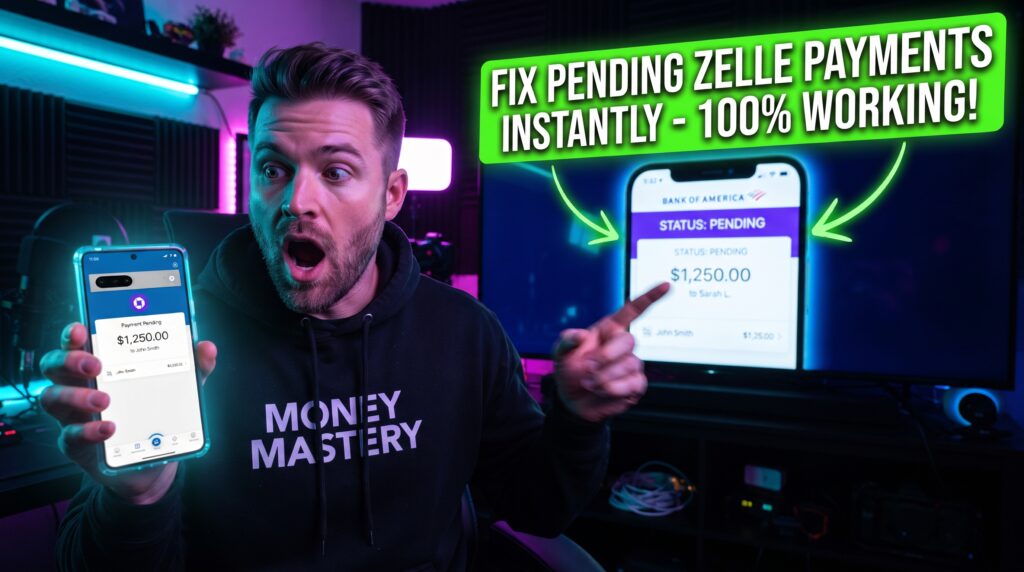
Why Is My Zelle Payment Pending? How to Speed It Up
If you’ve encountered a Zelle Payment Pending status, you’re probably wondering why your money hasn’t reached the recipient yet. Zelle is designed to transfer money quickly between participating U.S. banks and credit unions, with many payments arriving within minutes. However, there are times when a transaction remains pending instead of completing immediately, leaving both the sender and recipient waiting.
The good news is that a Zelle Payment Pending notification doesn’t always mean there’s a serious problem. In many cases, the delay is temporary and can be caused by account verification, recipient enrollment, security reviews, banking system maintenance, or temporary technical issues. Once the underlying issue is resolved, the payment often completes automatically without requiring additional action.
Understanding why a Zelle Payment Pending status appears is the first step toward resolving the problem. By identifying the cause, you can determine whether you simply need to wait or if there are steps you can take to speed up the payment.
In this guide, you’ll learn the most common reasons for a Zelle Payment Pending notification, how Zelle payments normally work, and the best solutions to help your payment go through as quickly as possible.
Quick Answer
If you’re seeing a Zelle Payment Pending status, the payment is still being processed and hasn’t been completed yet. Common causes include recipient enrollment issues, bank verification, fraud prevention reviews, incorrect recipient information, or temporary banking delays. In many cases, the payment completes automatically once the issue is resolved.
Table of Contents
Why Is My Zelle Payment Pending?
Short Answer: A Zelle Payment Pending status usually means your bank or Zelle is still processing the transaction because of verification requirements, recipient enrollment, security checks, or temporary banking delays.
Although Zelle is known for fast transfers, not every payment is completed instantly. Some transactions require additional verification before the money can be released. This helps protect both the sender and the recipient from fraud and unauthorized transfers.
Depending on your bank, payment history, and the recipient’s account status, the processing time may vary.
How Zelle Payments Normally Work
Short Answer: Before fixing a Zelle Payment Pending issue, it’s helpful to understand that Zelle first verifies the sender, recipient, and payment details before transferring funds between participating financial institutions.
When you send money through Zelle, the payment request is transmitted between the participating banks. If everything is verified successfully, the money is typically delivered within minutes. However, if additional security reviews or account verification are required, the transaction may remain pending until the checks are completed.
In some situations, the recipient must also complete enrollment before the payment can be received.
Before You Start Troubleshooting
Before attempting to resolve a Zelle Payment Pending notification, review the details of your transaction.
Confirm that you’ve entered the recipient’s email address or mobile phone number correctly and verify that the recipient is enrolled with Zelle. It’s also a good idea to check your bank account balance and review any notifications from your bank regarding security verification.
Performing these simple checks can often explain why the payment is still pending.
Fix 1: Confirm the Recipient Is Enrolled
One of the most common reasons for a Zelle Payment Pending status is that the recipient hasn’t completed Zelle enrollment.
If the recipient hasn’t enrolled using the email address or mobile phone number you selected, the payment may remain pending until they finish the registration process.
Ask the recipient to verify their enrollment status before attempting to send another payment.
Fix 2: Verify the Recipient’s Information
Incorrect recipient information can also cause a Zelle Payment Pending notification.
Double-check the email address or mobile phone number associated with the payment. Even a small typing mistake may prevent the payment from reaching the correct recipient.
Correcting inaccurate recipient information helps avoid unnecessary payment delays.
Fix 3: Check for Bank Notifications
Many banks send security alerts when unusual payment activity is detected.
Review your banking app, email, or text messages for requests to verify the transaction. Completing any required security confirmation often allows the Zelle Payment Pending transaction to continue processing.
Ignoring verification requests may cause the payment to remain pending longer than necessary.

Comparison Table
| Fix | Purpose |
|---|---|
| Confirm recipient enrollment | Ensure the recipient can receive Zelle payments |
| Verify recipient information | Prevent payment delivery errors |
| Check bank notifications | Complete required security verification |
These first three solutions resolve many Zelle Payment Pending situations. In the next section, we’ll cover six additional fixes, explain why some payments remain pending longer than expected, and show you how to speed up your Zelle payment safely.
Fix 4: Make Sure Your Bank Supports Zelle
Although Zelle works with thousands of financial institutions, not every bank offers the exact same features or processing times.
If your bank has limited Zelle functionality or is experiencing temporary service interruptions, your Zelle Payment Pending status may remain longer than expected. Visit your bank’s website or mobile app to confirm that Zelle services are operating normally.
If your bank reports an outage, you’ll usually need to wait until service is restored.
Fix 5: Review Your Account for Security Holds
Banks constantly monitor Zelle transactions to protect customers against fraud.
If your payment is larger than usual or differs from your normal transaction history, your bank may temporarily pause the payment for additional review. During this process, your Zelle Payment Pending notification may remain active until the security check is completed.
Review your bank notifications regularly in case additional verification is required.
Fix 6: Verify You Have Enough Available Funds
Insufficient funds may prevent your payment from completing successfully.
Before sending money, verify that your checking or savings account contains enough available funds to cover both the payment amount and any pending transactions.
Although Zelle itself doesn’t charge transfer fees, a low available balance may still contribute to a Zelle Payment Pending status.
Fix 7: Wait for Banking Hours
Not every payment delay is caused by a technical problem.
Some banks perform maintenance during evenings, weekends, or holidays. If your payment was sent during one of these periods, processing may continue once normal banking operations resume.
Waiting until the next business day often resolves a temporary Zelle Payment Pending notification.
Fix 8: Cancel and Resend the Payment (If Possible)
If the payment remains pending because the recipient hasn’t enrolled with Zelle, you may have the option to cancel the transaction.
After confirming the cancellation, verify the recipient’s correct email address or mobile number before sending a new payment.
Only cancel a pending payment if your bank confirms that cancellation is available.
Fix 9: Contact Your Bank
If none of the previous solutions resolve your Zelle Payment Pending issue, contact your bank directly.
Since Zelle payments are processed through participating financial institutions, your bank can review the payment status, identify any account-specific restrictions, and explain why the transaction remains pending.
Having your transaction details available will help speed up the support process.
Why Your Zelle Payment Is Still Pending
Short Answer: If your Zelle Payment Pending status continues, your bank may still be reviewing the payment, the recipient may not have completed enrollment, or temporary banking or network delays may still be affecting the transaction.
In some situations, your payment has already been approved by your bank but is waiting for the recipient’s financial institution to complete processing. Security reviews, incorrect recipient information, and temporary service interruptions are also common reasons for extended pending payments.
Checking both your bank account and transaction notifications can help determine where the delay is occurring.
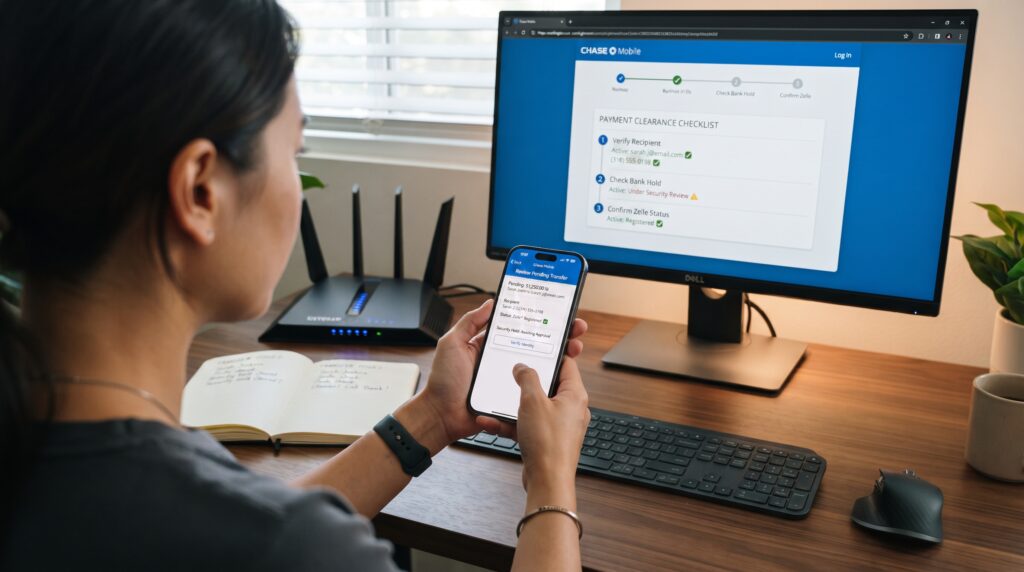
Common Problems
Users experiencing a Zelle Payment Pending notification often encounter one or more of these issues:
- Recipient hasn’t enrolled with Zelle.
- Incorrect email address or mobile number.
- Security verification pending.
- Bank fraud review.
- Insufficient available funds.
- Banking system maintenance.
- Weekend or holiday processing delays.
- Temporary network interruptions.
- Receiving bank hasn’t completed processing.
Reviewing each possibility greatly improves your chances of resolving the payment quickly.
The Hidden Reasons Your Zelle Payment Stays Pending
Many people believe a Zelle Payment Pending notification always means there’s something wrong with their account, but that’s not usually the case. Most pending payments are caused by routine security measures that help protect both parties involved in the transaction. Another common misconception is that repeatedly sending the same payment will make it process faster. In reality, duplicate payment attempts may trigger additional fraud checks and extend the delay. Understanding how banks process Zelle transfers helps you stay patient, avoid unnecessary mistakes, and focus on resolving the actual cause of the pending payment.
Common Mistakes That Cause Zelle Payments to Stay Pending
Many Zelle Payment Pending issues are caused by simple mistakes that are easy to avoid. Sending money to the wrong email address or mobile phone number, entering outdated recipient information, or attempting to pay someone who hasn’t enrolled with Zelle are among the most common errors. Some users also forget to verify available funds before sending a payment or ignore security notifications from their bank. Taking a few moments to review the payment details before tapping Send can prevent unnecessary delays and improve the chances that your transaction will be completed successfully the first time.
Comparison Table
| Problem | Recommended Solution |
|---|---|
| Recipient not enrolled | Ask them to complete Zelle enrollment |
| Incorrect recipient details | Verify email or phone number |
| Security review | Complete requested verification |
| Low account balance | Add sufficient funds |
| Banking delay | Wait until the next business day |
| Bank issue | Contact your financial institution |
These nine proven fixes resolve most Zelle Payment Pending situations. In the final section, we’ll answer frequently asked questions, explain how long pending Zelle payments usually take, share best practices to avoid future delays, and summarize the most important takeaways.
Can You Speed Up a Pending Zelle Payment?
Although you can’t force a Zelle Payment Pending transaction to process instantly, there are several steps that may help reduce the waiting time. Verify that the recipient has already enrolled with Zelle, respond immediately to any security verification requests from your bank, and confirm that all payment details are accurate. If your bank requires additional confirmation, completing the verification promptly can allow the payment to continue processing. If no action is required, monitoring your transaction status and avoiding duplicate payment attempts is usually the best approach.
Frequently Asked Questions
How long does a Zelle payment stay pending?
A Zelle Payment Pending transaction can last anywhere from a few minutes to several business days, depending on the reason for the delay. Recipient enrollment, bank verification, security reviews, weekends, and holidays can all affect processing times.
Why is my Zelle payment still pending after several hours?
If your Zelle Payment Pending status hasn’t changed after several hours, your bank may still be reviewing the transaction, the recipient may not have enrolled with Zelle, or additional security verification may be required. Check your banking app for any notifications or requests.
Can I cancel a pending Zelle payment?
In some situations, yes. If the recipient hasn’t enrolled with Zelle yet, many banks allow you to cancel the pending payment. Once the recipient is enrolled, however, completed Zelle payments usually can’t be canceled.
Does a pending payment mean my money is gone?
Not necessarily. A Zelle Payment Pending notification simply means the payment is still being processed. Until the transaction is completed, your bank or Zelle may still be verifying the transfer before releasing the funds.
Why does Zelle ask for additional verification?
Banks use security verification to protect customers from fraud and unauthorized transfers. If a payment appears unusual, your bank may temporarily place the Zelle Payment Pending status on the transaction until verification is completed.
Should I send the payment again?
No. If you’re already seeing a Zelle Payment Pending notification, avoid sending another payment for the same transaction. Duplicate payments can create confusion and may trigger additional fraud reviews.

How Long Does a Zelle Payment Stay Pending?
The length of a Zelle Payment Pending status depends on the reason behind the delay. If the recipient needs to enroll with Zelle, the payment may remain pending until enrollment is completed. If your bank is performing a security review, the transfer may take longer while the verification process is finished. Payments initiated during weekends or bank holidays can also experience additional processing time before being completed. Monitoring your bank account, checking transaction updates, and responding quickly to any verification requests can help ensure your payment is processed as soon as possible.
Best Practices to Avoid Pending Zelle Payments
Although some payment reviews are unavoidable, there are several ways to reduce the chances of seeing another Zelle Payment Pending notification. Always verify the recipient’s email address or mobile number before sending money, make sure the recipient is already enrolled with Zelle, and keep your bank account information current. Avoid making unusually large transfers if possible, monitor your account for security alerts, and respond promptly to any verification requests from your bank. Following these best practices helps improve the likelihood that future Zelle payments will be completed quickly and without unnecessary delays.
Final Thoughts
A Zelle Payment Pending notification can be frustrating, especially when you’re expecting your transfer to arrive within minutes. Fortunately, most pending payments are temporary and are caused by normal banking procedures, recipient enrollment issues, security reviews, or verification requirements rather than permanent problems with your account.
By reviewing your transaction details, confirming the recipient’s information, checking your bank notifications, and following the troubleshooting steps in this guide, you’ll resolve many pending payment issues without needing additional assistance. If the payment remains pending beyond the expected timeframe, your bank can review the transaction and explain whether further action is required.
Understanding why a Zelle Payment Pending status appears will help you troubleshoot future payment issues more efficiently and reduce the chances of experiencing unnecessary delays.
Key Takeaways
- A Zelle Payment Pending notification is usually temporary.
- Confirm the recipient is enrolled with Zelle.
- Verify the recipient’s email address or mobile number.
- Check your bank account for security alerts.
- Avoid sending duplicate payments.
- Remember that weekends and holidays may delay processing.
- Contact your bank if the payment remains pending after troubleshooting.
Leave a Reply